
Fancy Text Creator
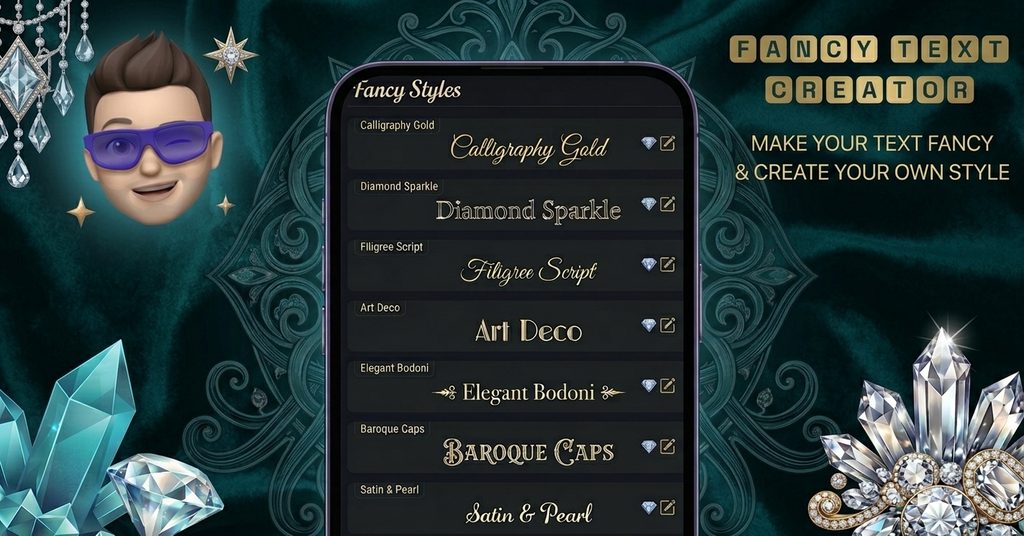
Ever spotted stylish lettering in an Instagram bio or a WhatsApp status and wondered how it was done? Most of the time it isn’t a special font at all. It’s regular text made from Unicode symbols. Our Fancy Text Creator lets you design that kind of lettering yourself, completely free.
With this Fancy Text Creator, you don’t have to settle for a fixed list of ready-made looks. You decide which symbol replaces each letter and number. You can then decorate every character with extra marks and copy the finished text with a single click. If you just want instant results without any customizing, you can also try our font generator for ready-to-use styles.
How to Use the Fancy Text Creator
Every step is optional, so you can keep things simple or go all in.
Step 1: Pick your characters. Choose a symbol for each letter and digit. If you’d rather not start from zero, load one of the existing styles and tweak it.
Step 2: Add decorative symbols. Place extra marks above, below, before, after, or through each character to give your style its own personality.
Step 3: Copy or save. Click the preview to copy your text instantly. To reuse the style later, hit Save style and it will be waiting in your browser.
What Makes This Fancy Text Creator Different
- Total control over every character. You aren’t stuck with a preset alphabet. Each letter and number is yours to choose.
- Start from a template. Begin with a built-in style and customize only the parts you want to change.
- Decorations in any direction. Add symbols over, under, beside, or across your characters.
- One-click copying. Tap the preview and your text is ready to paste.
- Save your favorites. Keep up to 50 custom styles in your browser.
- Share with a link. Send your style to friends or teammates so they can try it too.
- Easy editing. Open My Styles, choose Edit, adjust what you like, and save your changes.
In short, the Fancy Text Creator gives you far more control than a standard font generator, since every character is your choice.
Where Can You Paste Your Fancy Text?
Text made with the Fancy Text Creator is built from Unicode characters, so it works in most places that accept plain text, such as:
- Instagram, Facebook, and X (Twitter) bios and posts
- WhatsApp chats and status updates
- Notes apps and personal documents
- Usernames, captions, and comments (where the platform allows it)
Some apps and websites may display certain symbols differently or not at all, so it’s worth previewing your text after pasting.
Frequently Asked Questions
Are the styles from this Fancy Text Creator real fonts?
No. The tool doesn’t produce font files you can install. It swaps each letter or number for a Unicode character that looks the way you want. Some of those characters are true variants of the original letter, while others are unrelated symbols that simply resemble it.
How many text styles can I make?
As many as you like, and it’s all free. You can keep up to 50 saved styles in your browser at a time.
Where can I use the styles I create?
Styles made with the Fancy Text Creator work almost anywhere that supports Unicode text, including major social networks and messaging apps. Keep in mind that these styles are meant for decoration and may not match your original wording exactly.
Can I change a style after saving it?
Yes. Go to My Styles, click Edit, make your adjustments, and press Save changes.
Are the share links safe?
A share link only carries the style settings you chose, such as your selected characters and symbols. As with any link, it’s wise to share it only with people you trust.
Is fancy text good for accessibility?
Not really. Screen readers may read these symbols incorrectly or skip them, so avoid fancy text for important information, official content, or anything that must be clear to every reader. You can learn more about making content usable for everyone from the W3C Web Accessibility Initiative.
Start Using the Fancy Text Creator Today
Ready to stand out? Open the Fancy Text Creator, pick your characters, add a few decorative symbols, and copy your new style in seconds. It’s free, and you can save your favorites for next time.